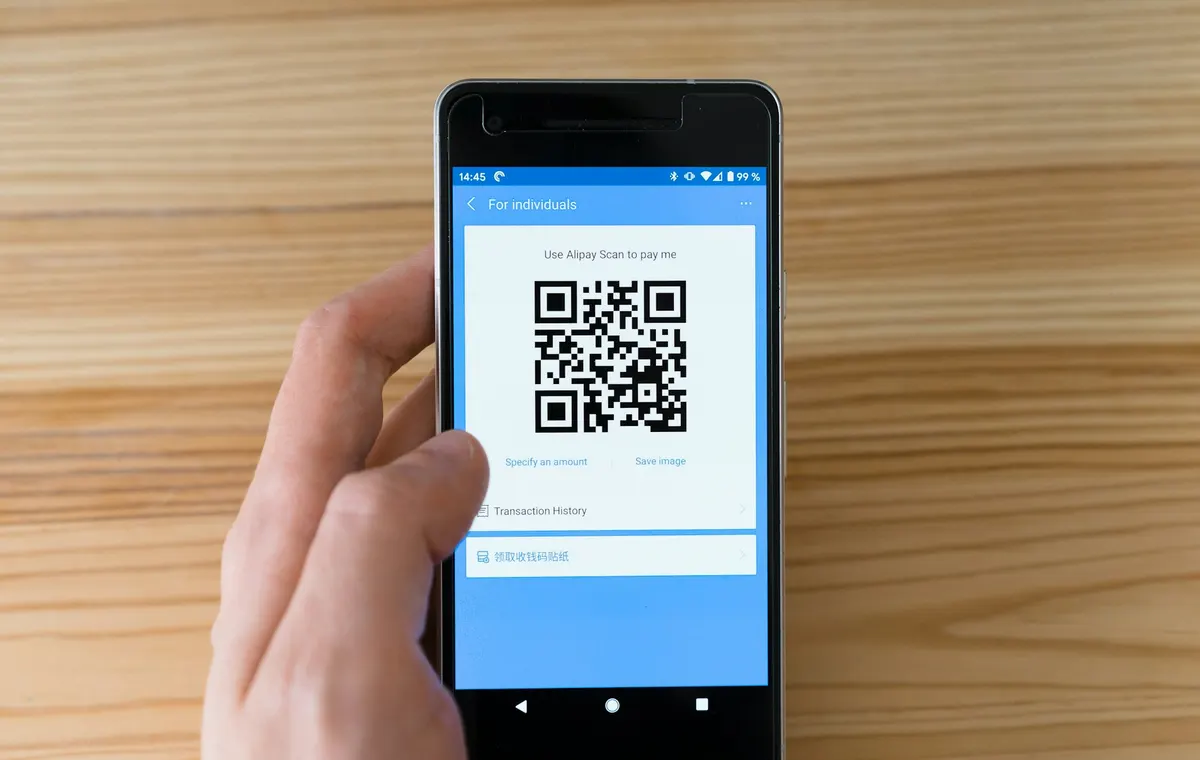
Many sites publish a wallet address and ask buyers to send crypto to it. A transfer cannot be tied to an order, a wrong network can lose the funds, and you reconcile by hand. Replace the address with an InfraIO Pay payment link or checkout button: every payment is matched to an order, and you get a signed webhook when it settles.
Before and after
Your funds still land in your own wallet. What changes is everything around the payment.
Wallet address on a page
InfraIO Pay payment link or checkout
Matching a payment to an order
Manual, by amount and timing
Automatic: every payment is bound to an order
Wrong network or token
The funds can be lost
The buyer only sees the networks and tokens you enable
Knowing it is paid
You watch a block explorer
A signed webhook when it settles
Refunds
A manual transfer
An on-chain refund from the dashboard
Who holds the funds
You
You: non-custodial
Cost
Free, but manual
No setup or monthly fee, 0.5% down to 0.3% on settled payments
Replace it in three steps
Create an account and connect your wallet. Sign up at app.infraio.xyz and paste the wallet address from your pricing page as your treasury wallet.
Create a payment link for each plan. In the dashboard, set the amount, the token and the networks you accept. For dynamic amounts, create a checkout session from your server instead.
Swap the address for a Pay with crypto button. Delete the address block on your pricing page and link a button to the payment link. Fulfil from the signed payment.settled webhook.
Questions
Do I have to change my wallet?
No. You can keep using the same wallet address as your treasury wallet. Buyers just no longer copy it by hand.
Will buyers need an account?
No. A buyer opens the link and pays from any wallet that supports the network and token you enable.
Can I still show an address?
You can, but a payment link is safer: it shows only the networks and tokens you accept and ties each payment to an order.
We use essential cookies to remember your language. With your consent, we'd also use analytics cookies to understand how visitors use InfraIO Pay. Cookie settings